
How do I upgrade to a premium business plan?
305 viewsUpdated 6/11/2026
Boxpressd for Business currently offers 2 premium plans for cigar businesses and retailers. To learn more about each, visit https://boxpressd.com/business/plans. If you're ready to upgrade, follow these steps:
1. Navigate to https://business.boxpressd.com and select the profile you would like to upgrade.
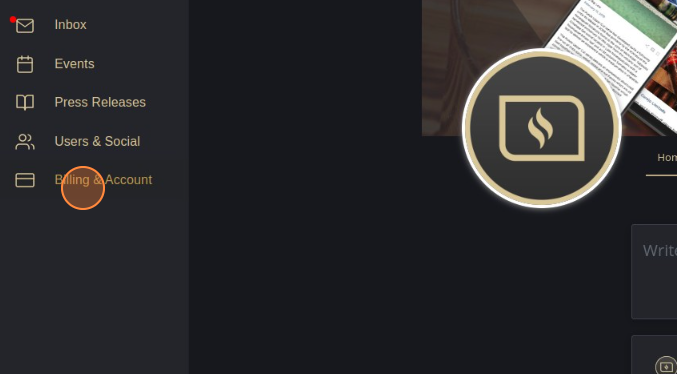
2. Select Billing & Account.
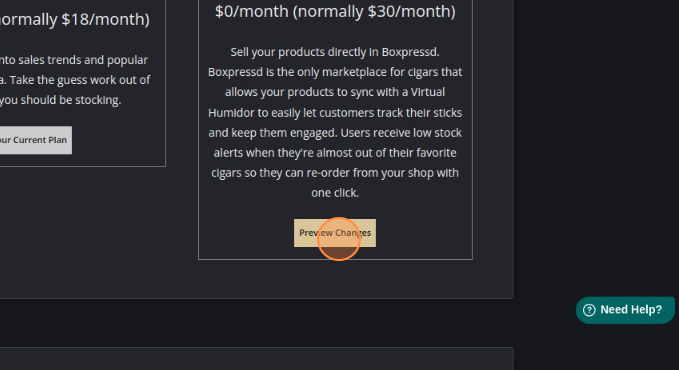
3. Under the premium plan you would like to upgrade to, select Preview Changes (note that Boxpressd offers 2 months free when you pay annually instead of monthly)
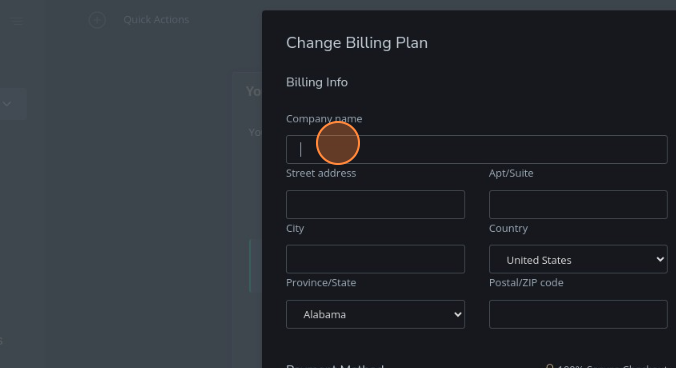
4. Fill out the billing info
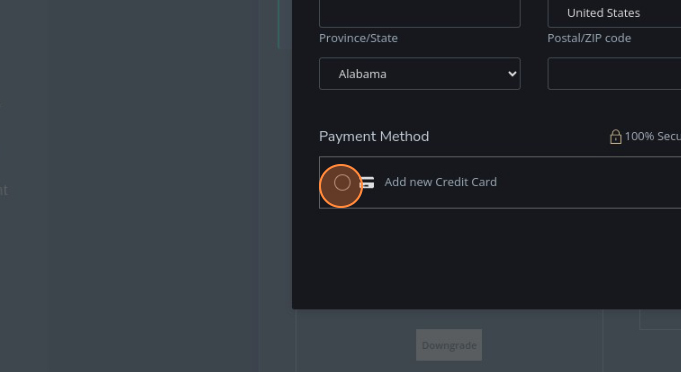
5. Choose a payment method or add a new one if a card isn't already on file
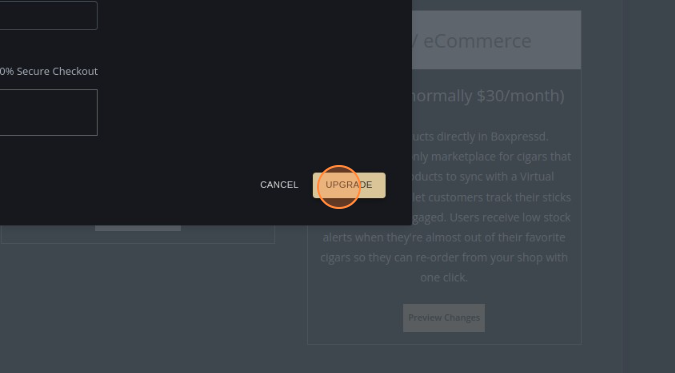
6. Choose Upgrade and you're all set! Thank you for business.
Was this article helpful?